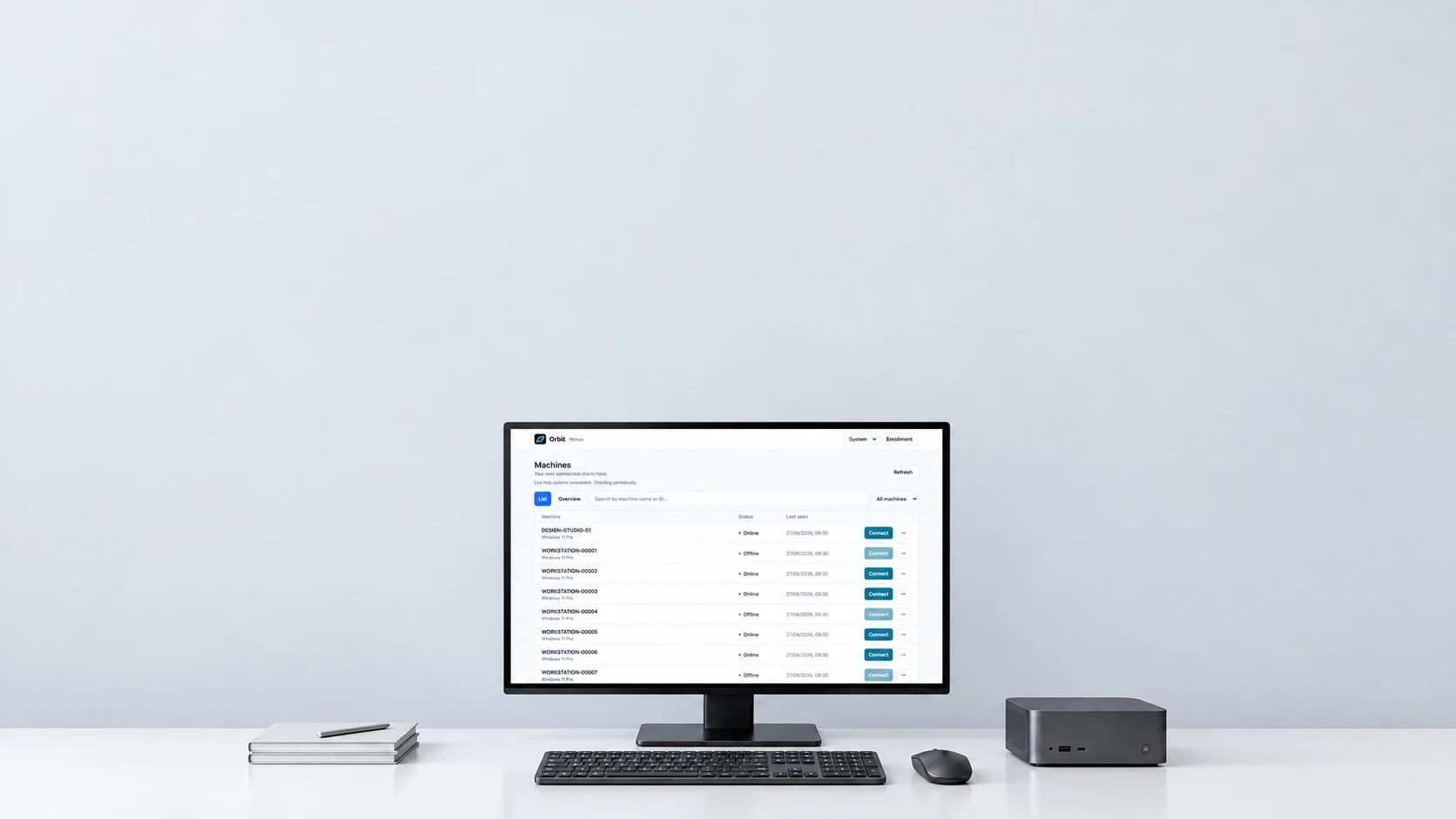
A new perspective on remote IT
Orbit Console RMM
Remote support, with room to work.
Get closer to your devices. Support the person at the screen, work in the background, and move the files you need. All from one console.


Launching soon. Built by Photon IT.
01 See the whole picture
02 Support on your terms
03 Keep work moving
Your devices. One place.
From overview
to hands-on.
Find the right machine, choose your session and get to work. Orbit brings machine discovery, remote desktops and file access into a focused workspace for IT support.
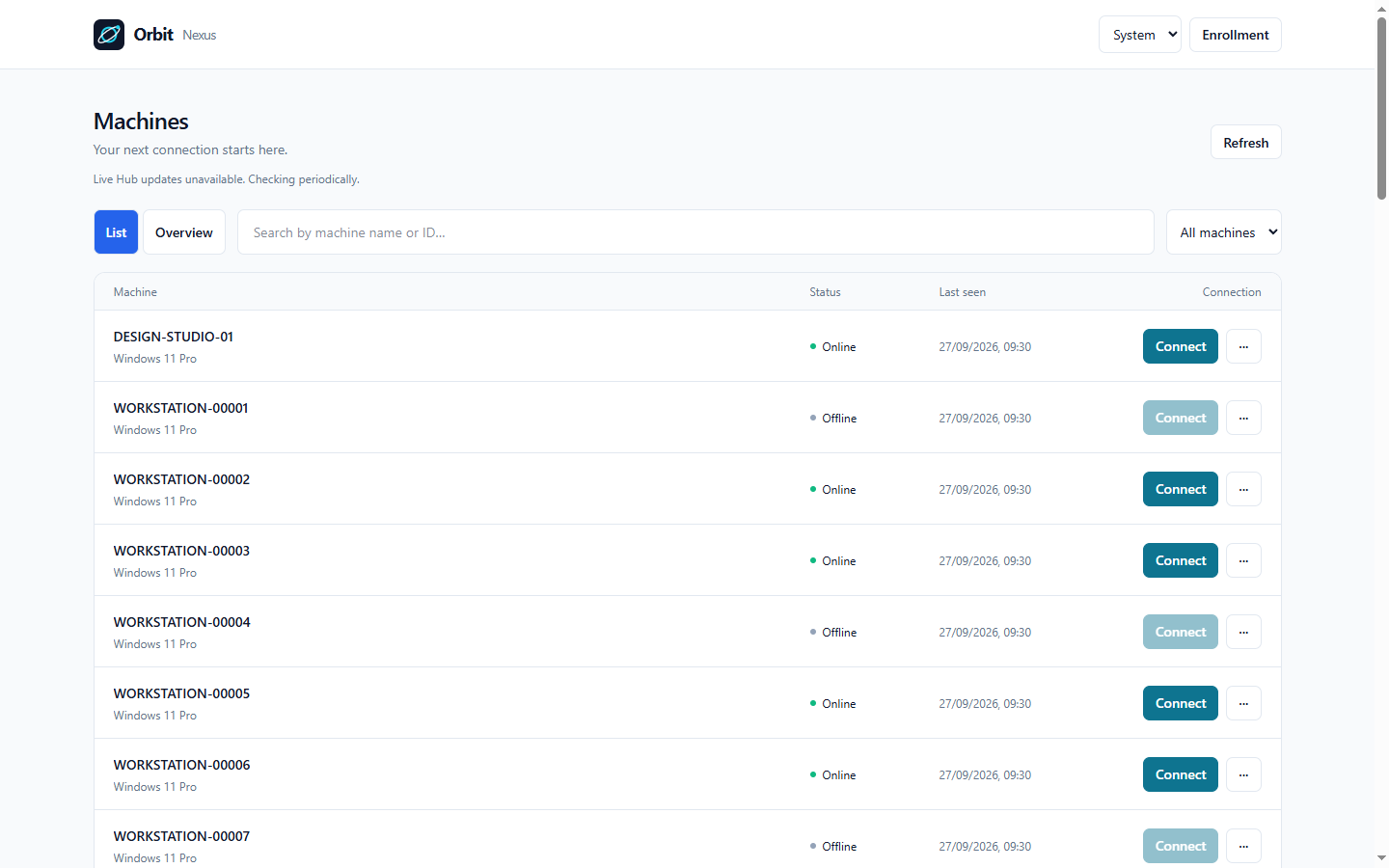
Find your next connection.
Search your machines, check their connection status and return to saved support links.
Choose where you work.
Connect to the user's console or an available background session, with clear control ownership.
Get the job moving.
Use remote input, clipboard tools and independent file access to work through the task.
Built around the work
Different tasks.
The same Orbit.
From a quick fix to a deeper investigation, Orbit brings the tools your team needs together. A focused remote support workspace, built for the work ahead.
 Remote desktop
- See and control Windows desktops in the browser or native Windows viewer, with adjustable display and connection quality.
 Background sessions
- Use a separate session for maintenance work, away from the user's active desktop, on supported and configured Windows machines.
 Independent file access
- Browse remote folders and transfer files in a dedicated workspace, without taking control of the desktop.
 Clipboard tools
- Paste text, type clipboard content into the remote session, and use native file clipboard and drag-and-drop workflows.
 Deliberate access
- Authenticated agents, session-bound permissions and explicit operator control keep access tied to the right machine and session.
 Machine history
- Inspect recorded machine and connection events, with a timeline that makes gaps in observation visible.
A workspace of its own
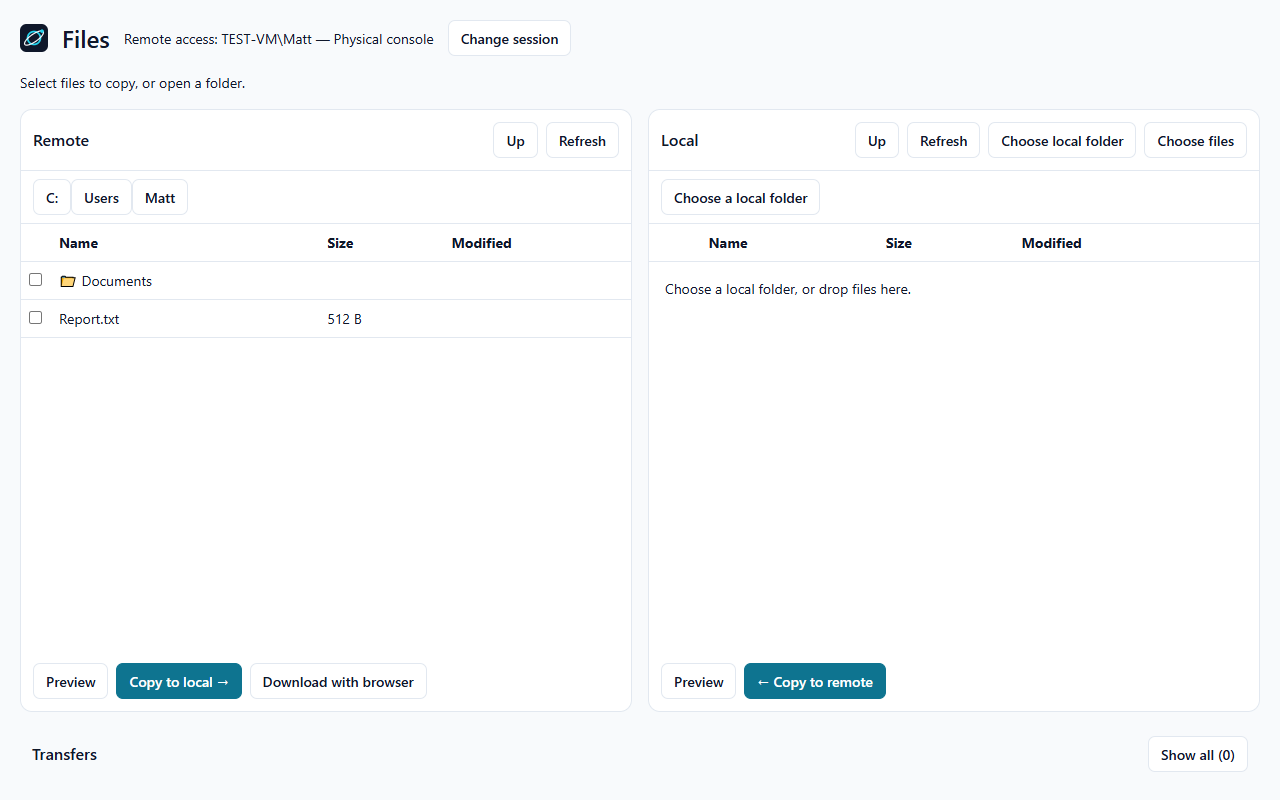
Files without
the desktop detour.
Sometimes the job is simply moving a file. Open Files on its own, browse both sides and follow the transfer without interrupting the person at the screen.
A few useful answers
Before we connect.
Orbit Console is getting ready for launch. Here are the essentials.
When can I get started?
Orbit Console is preparing for launch. Get in touch to discuss a demo, early access and how Orbit can fit your team's workflow.
Who is it being built for?
IT support teams and managed service providers who need a practical workspace for remote support and device access.
Which platforms are supported?
Orbit supports Windows remote desktops through a browser viewer and a native Windows viewer, with Android support also on the roadmap. Get in touch to discuss the devices and workflows your team needs.
What about pricing?
Launch pricing will be announced soon. Tell us about your team and the way you work so we can discuss the right fit.
Let's talk Orbit
What does better
support look like
for your team?
Tell us a little about your setup, your challenges or what you'd like to see in Orbit Console. We'd like to hear it.
 A real conversation with the team building Orbit.
Enquiry privacy notice
Photon IT receives the name, email address, optional company and message you submit, and uses them to respond to your enquiry. Cloudflare processes the form and delivers the email. Enquiries are kept in our correspondence while needed to handle your request. Use the contact form to ask about your information or request deletion. This page does not use advertising cookies or subscribe you to marketing emails.